


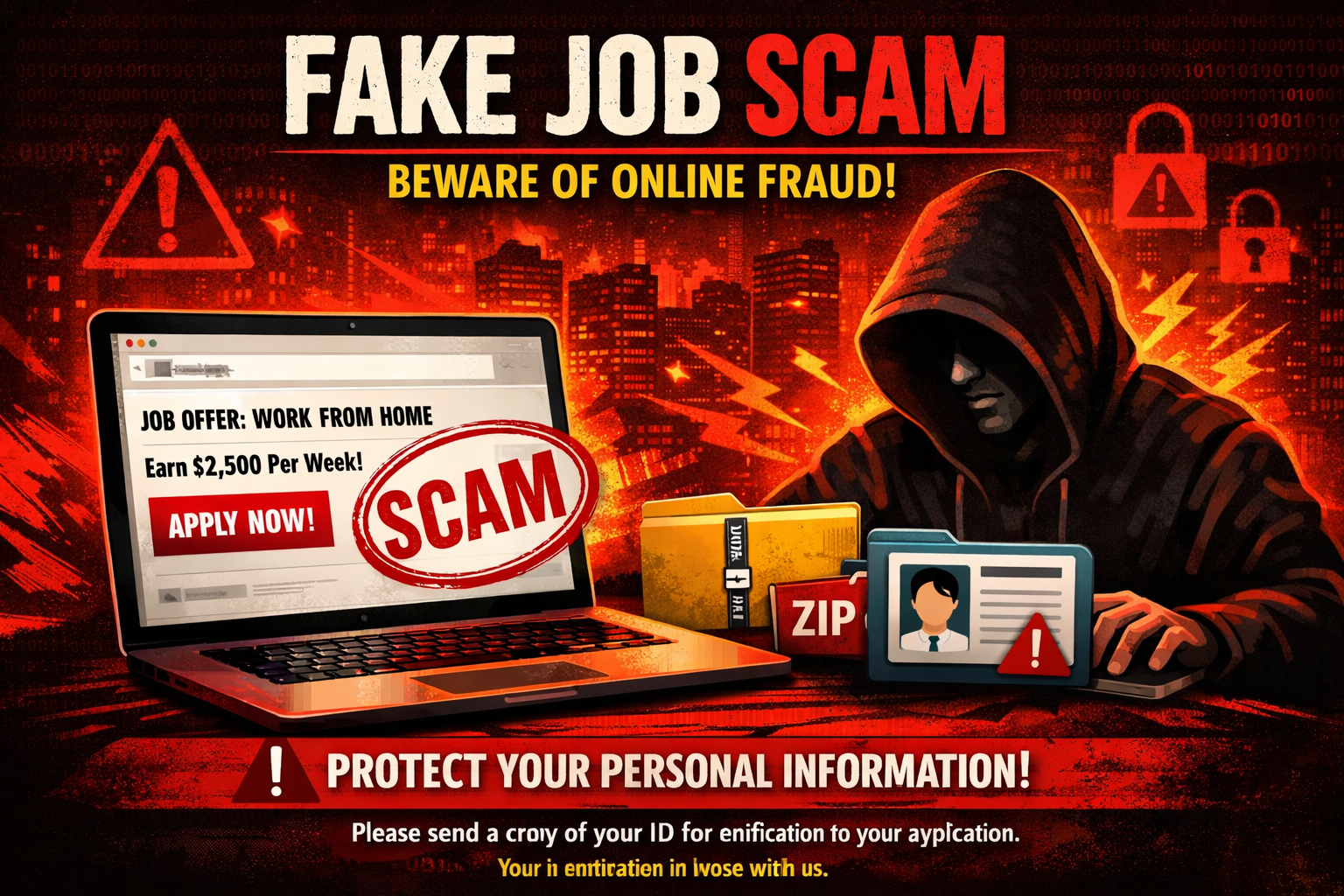
Online job scams are becoming increasingly common, and many of them look convincing at first glance. Fraudsters often pretend to represent well‑known companies, send “onboarding” links, or request personal information before any real interview takes place. These scams can lead to identity theft, financial loss, or misuse of your personal data.
This reminder is meant to help job seekers stay safe and confidently identify legitimate communication.
1. Always Check the Sender’s Email Address
One of the easiest ways to spot a scam is by looking closely at the email address.
Be cautious if:
- The email comes from Gmail, Yahoo, Hotmail, Outlook.com, or any free personal account
- The address does not match the company’s official website domain
- The name looks correct, but the domain is slightly altered (e.g., extra letters, numbers, or misspellings)
Legitimate companies use official corporate email domains, not personal accounts.
2. Be Suspicious of Unexpected Links or “Onboarding” Portals
Scammers often include:
- Links to fake onboarding websites
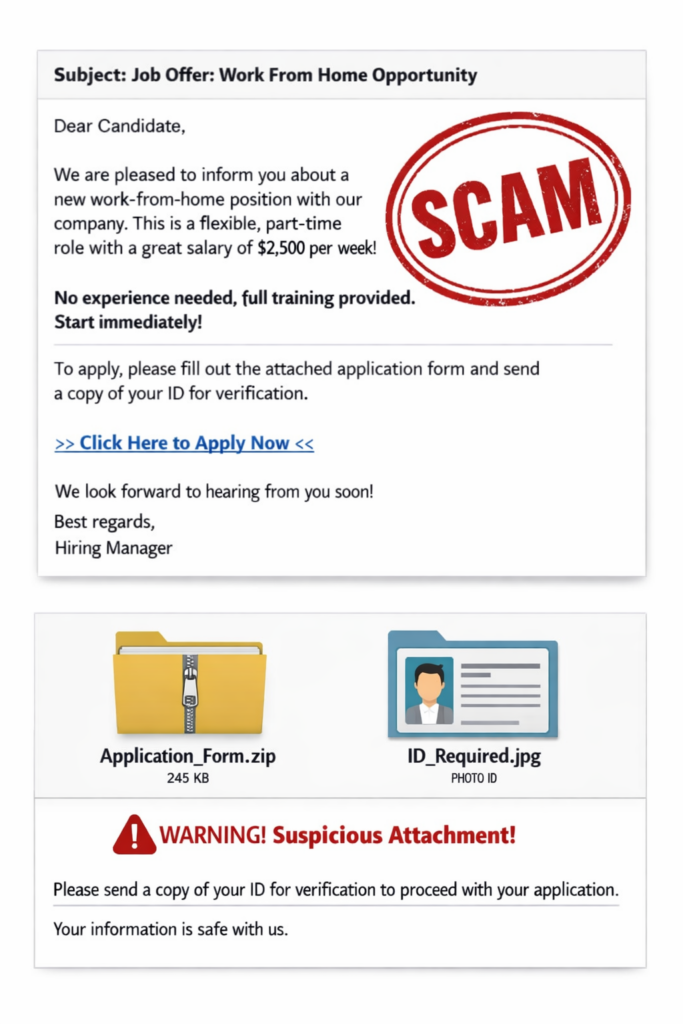
- Forms requesting personal information
- Attachments claiming to be job documents
If you didn’t apply for a job, or the email arrives unexpectedly, do not click anything. Real employers do not send onboarding links before a formal interview process.
3. Legitimate Employers Do Not Ask for Sensitive Information Early
A real hiring process will never begin by asking for:
- Social Security numbers
- Passport or ID scans
- Bank details
- Payment for equipment, training, or processing fees
If an email asks for any of these before you’ve even spoken to someone, it is a scam.
4. Look for Professionalism in the Message
Fraudulent emails often include:
- Poor spelling or grammar
- Generic greetings (“Dear Applicant”)
- Urgent or pushy language
- Promises of guaranteed employment
- Instructions to respond immediately
Authentic recruitment communication is structured, professional, and follows a clear process.
5. Verify Job Postings Through Official Channels
Before engaging with any email:
- Check the company’s official website
- Look at their verified LinkedIn page
- Contact the company directly using publicly listed contact information
If you cannot find the job posted anywhere official, it is likely not real.
6. Be Cautious of Interviews Conducted Through Messaging Apps
Scammers often try to move conversations to:
- Telegram
- Facebook Messenger
- Text messages
Most reputable employers conduct interviews through:
- Corporate email
- Phone calls
- Video meetings (Teams, Zoom, etc.)
If the entire process happens through a messaging app, treat it as a red flag.

7. Trust Your Instincts
If something feels off — it probably is. Common warning signs include:
- The process feels too fast
- The job sounds too good to be true
- The communication feels unprofessional
- You feel pressured to act quickly
Take a moment to pause and verify before responding.
8. What to Do If You Receive a Suspicious Email
If you suspect a scam:
- Do not click any links
- Do not download attachments
- Do not provide personal information
- Delete the email
- Report it to the company being impersonated (if applicable)
Your caution protects both you and others.
Staying Safe Online
Job scams are designed to look legitimate, but with a few simple checks, you can protect yourself from fraudulent activity. Always verify the source, avoid clicking unexpected links, and never share sensitive information unless you are certain the communication is genuine.
Disclaimer: The information provided in this article is for general awareness only. Readers should always follow their organization’s official IT and cybersecurity protocols and consult their internal security teams before implementing any changes or practices.